
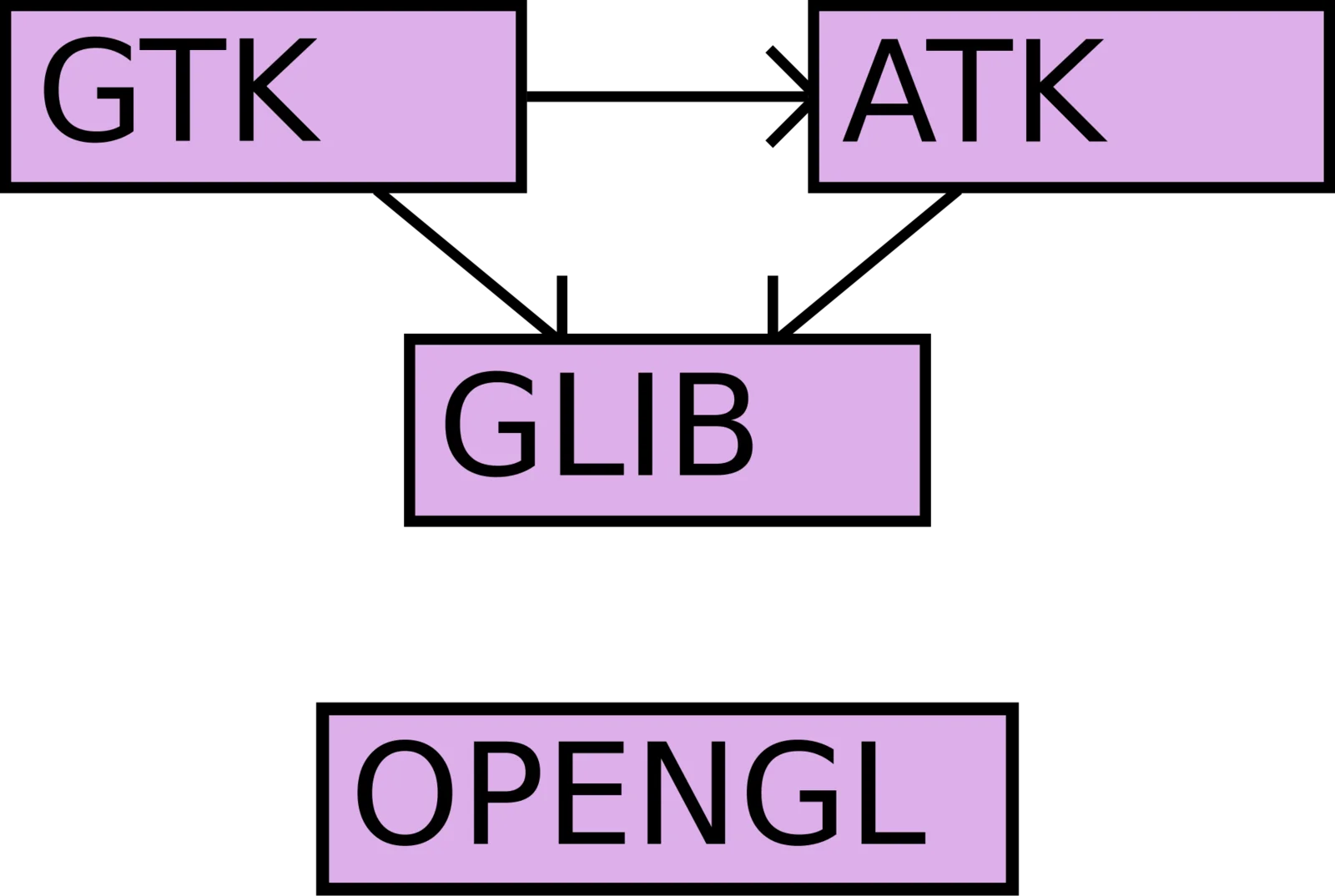
On 19 February 2014 the webpack/webpack repository on GitHub tagged version 1.0.0, under the MIT licence. The tool, which Tobias Koppers has carried forward since the first commit of 10 March 2012, builds the JavaScript bundle from a dependency graph rather than from an ordered list of files.
Context
In 2013 browser-side JavaScript is still loaded almost always with a sequence of <script> tags whose order carries meaning, or with an AMD (Asynchronous Module Definition) loader such as RequireJS that resolves dependencies at runtime. Both routes have a cost. The first turns load order into application logic, and never checks it. The second moves resolution into the browser: one HTTP request per module in development, a separate optimisation step (r.js) in production.
Browserify, released in 2011, takes another direction. It brings the CommonJS require() convention — which until then lived only in Node.js — into the browser: it resolves the require graph statically and emits a single file. The model is linear and predictable, but as of this date webpack covers two things browserify does not tackle directly: splitting the bundle into several fragments that load on demand, and keeping non-JavaScript files in the same graph too.
Architecture
Webpack starts from one or more entry points. From each it follows every require (CommonJS), define (AMD) and import (the ES Modules draft) it can reach, builds the full dependency graph, and derives its output from there. Configuration sits in a webpack.config.js file that exports an object with the fields entry, output, module and plugins.
Three mechanisms set the model apart.
Loaders. A loader is a function that receives a file’s contents and returns valid JavaScript. The pipeline is declared by extension: module.loaders binds a regular expression (test) to a chain of loaders. A require('./style.css') is not an error; it is a request that passes through css-loader and becomes a module. The same goes for coffee-loader, json-loader, jade-loader, or loaders that turn an image into a data URI. The result is that the graph holds more than JavaScript: it holds whatever a loader can translate into JavaScript.
Code splitting. A require.ensure([...], callback) call tells webpack that the listed dependencies go into a separate fragment (a chunk) and load only when the callback runs. Webpack emits that chunk as a distinct file and puts the code that loads it on demand into the main bundle. The cut in the graph is written in the source; it is not inferred from external configuration.
Plugins. Where a loader transforms a single file, a plugin works on the whole build, hooking into the compiler’s events. CommonsChunkPlugin, which ships with webpack, finds the modules shared across several entry points and extracts them into a common chunk, so they are not duplicated in every bundle.
To all this is added Hot Module Replacement: in development webpack-dev-server replaces a changed module in the already-loaded page without reloading it, and propagates the update along the graph up to the boundary that declares it can handle it.
The critical choice
The design decision that orients everything else is treating every asset as a module. In browserify the boundary of the graph coincides with that of CommonJS: anything you cannot pull in with a require as a JavaScript module stays outside and is handled by another tool — usually a task runner such as Grunt or Gulp, which copies files, concatenates stylesheets and optimises images in pipelines parallel to the JavaScript bundling.
Webpack pulls those pipelines into the graph too. The stylesheet a component imports is a dependency of that component; if the component ends up in an on-demand chunk, the style follows it. Knowing when an asset is needed no longer lives in a separate task-runner configuration: it is derived from the structure of the require calls in the code. This removes the duplication between dependency declarations and build configuration, and moves the cost elsewhere — onto the webpack config file and the loader chain, where you now decide what happens to each file type.
Implications
Moving the require calls from application code to webpack opens up analyses that file concatenation cannot sustain. Removing dead code from the graph, extracting common modules, cutting into chunks by route: all of these take the full graph and the explicit boundaries between its parts as given. On an application organised into views, each isolated behind a require.ensure, at startup the browser downloads only the initial view’s code plus the common chunk, and the rest arrives as you navigate.
On the development side, HMR changes the iteration loop: the page keeps its own state while the module changes. For interfaces with deep state — a multi-step form, a view with data already loaded — skipping the full reload shortens the time between a change and checking it.
Limits
The price is configuration. webpack.config.js becomes the representation of how each file type enters the graph, and as loaders and plugins pile up it becomes, in turn, an artefact to maintain and understand. The documentation, at version 1.0, describes the APIs but stays patchy on usage recipes, and several practical answers still live in the repository’s issues.
The graph then makes implicit some dependencies that <script> tags kept in plain sight: a require inside a loader, a chain of transforms, and to work out where a module in the bundle actually comes from you have to read the configuration and reconstruct it. This is a shift of complexity, not its disappearance: from file order to graph description. On small projects, where the <script> sequence still reads at a glance, that shift may not pay off.
https://github.com/webpack/webpack https://github.com/substack/node-browserify https://requirejs.org/ https://www.noze.it/en/insights/webpack-1-0/
Cover image: Dependency graph diagram: four labelled boxes (GTK, GLIB, ATK and OpenGL) connected by directed arrows showing which library depends… — diagram by Aleksi Nurmi, public domain — https://commons.wikimedia.org/wiki/File:DependencyGraph.svg